🖼️ JPG → PDF Converter
Drag & Drop JPG images here or click to upload
What is a JPG to PDF Converter Tool?
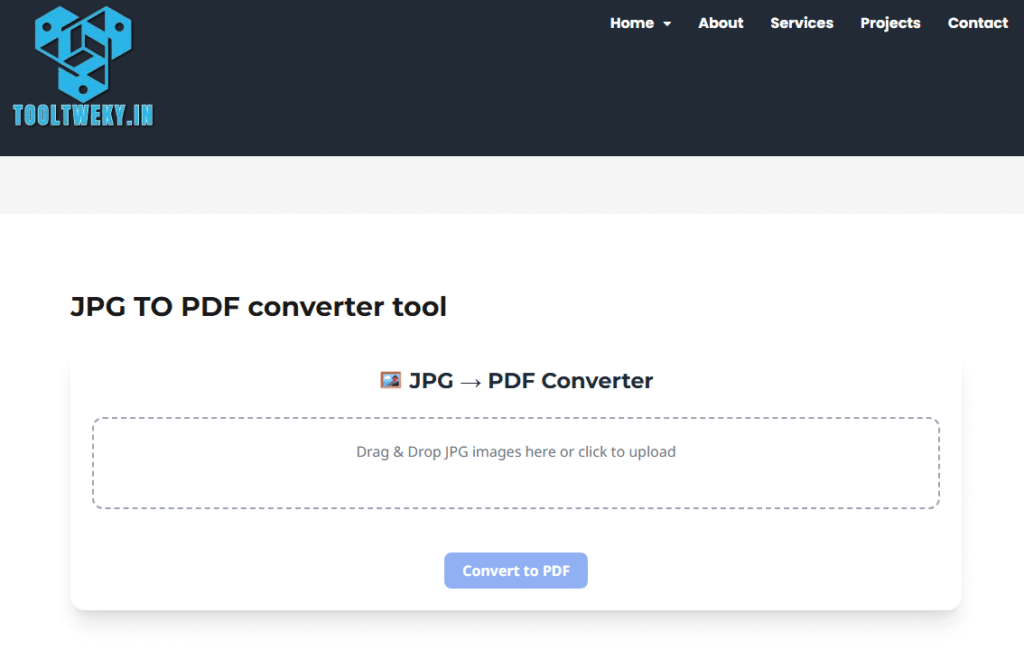
A JPG to PDF Converter is a free online utility that allows you to convert image files (JPG, JPEG, PNG) into PDF format. PDFs are one of the most commonly used file types because they are easy to share, secure, and compatible with all devices. For example, if a student has multiple images of notes, they can combine them into a single PDF file using this tool. It helps keep your files organized and makes them easier to submit for school or work purposes.
Why Use a JPG to PDF Converter Tool?
There are many reasons why people prefer using a Free JPG to PDF Converter. First, PDF files look more professional compared to raw image files. Second, PDFs are easy to share via email, WhatsApp, or cloud services without losing quality. Third, the tool helps combine multiple images into one single PDF file, which saves time and effort. For students, it is helpful for assignments; for teachers, it’s useful to share study materials; and for professionals, it’s a simple way to submit official documents.
How Does the JPG to PDF Converter Work?
The JPG to PDF Converter is simple and fast. You just upload your image (JPG, JPEG, or PNG), click convert, and download the PDF file within seconds. Some tools also allow you to merge multiple JPGs into one PDF, rearrange the order of pages, or adjust margins. Since it’s an online tool, you don’t need to install any software. The process is automatic, safe, and works on computers, tablets, and even smartphones. This makes it perfect for quick conversions anytime, anywhere.
Who Can Use a JPG to PDF Converter Tool?
This tool is designed for everyone, whether you’re a student, teacher, or working professional. Students can convert images of assignments, notes, or projects into a neat PDF. Teachers can organize study materials and distribute them easily. Bloggers, freelancers, and office workers use it to send scanned documents, ID proofs, or reports. Even regular users can benefit by converting personal photos into PDF albums. With its user-friendly interface, anyone can use the Free JPG to PDF Converter without technical knowledge.
FAQs About JPG to PDF Converter
Q1. Is the JPG to PDF Converter Tool free?
Yes, most online JPG to PDF Converter Tools are completely free.
Q2. Can I convert multiple images at once?
Yes, you can upload multiple JPGs and combine them into a single PDF file.
Q3. Will the image quality remain the same after conversion?
Yes, the tool keeps the original quality while converting to PDF.
Q4. Can I use it on my phone?
Yes, it works on mobiles, tablets, and desktops without installation.
Q5. Why is converting JPG to PDF useful?
PDFs are secure, professional, and easier to share compared to image files.