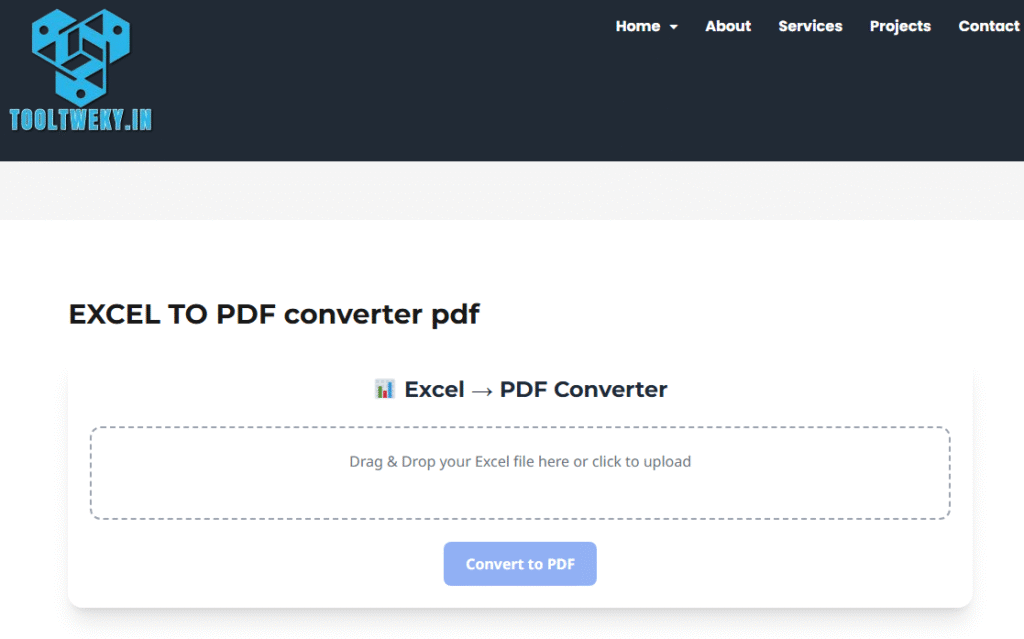
📊 Excel → PDF Converter
Drag & Drop your Excel file here or click to upload
Excel to PDF Converter: The Student’s Tool for Perfect Reports
You’ve just finished a detailed Excel spreadsheet for a school project—full of data, charts, and perfect formatting. But when you send it to your teacher or teammate, it opens on their device with misaligned columns and broken layouts. This common frustration is exactly why an Excel to PDF converter is so essential. PDF (Portable Document Format) is a universal file type that looks the same on every device, exactly as you designed it. Converting your XLS or XLSX file to PDF locks in your formatting, ensuring your hard work is presented professionally, whether it’s viewed on a laptop, tablet, or printed out.
The best part about using an online Excel to PDF converter is its incredible simplicity. The entire process is designed to be user-friendly, requiring no technical skills. First, you upload your Excel file to the converter’s website, usually by dragging and dropping it into a designated box. Next, the tool automatically processes the file. Many converters offer handy customization options, allowing you to choose whether to convert the entire workbook or a specific sheet, and even maintain clickable hyperlinks. Finally, with a single click of the “Convert” button, your PDF is ready for instant download.
This conversion is crucial for students for several key reasons. Firstly, it preserves formatting, guaranteeing your complex tables and charts appear correctly to anyone who opens the file. Secondly, it enhances security; a PDF prevents accidental changes to your data, making it ideal for submitting final assignments. Thirdly, it ensures universal compatibility.
Questions & Answers (Q&A)
Q: Why should I convert my Excel file to a PDF?
A: Converting to PDF locks your formatting, prevents accidental edits, and ensures your spreadsheet looks identical on any device. It’s perfect for submitting final projects or sharing data that shouldn’t be changed.
Q: Will my Excel charts and formulas convert to PDF?
A: Your charts will convert perfectly and appear as images in the PDF. However, formulas will not be editable. The PDF will display only the result of the formula, not the formula itself. This is ideal for sharing the final data, not the working sheet.
Q: Is it free to convert Excel to PDF online?
A: Yes, most online converter tools offer free basic conversion. You simply upload your file, convert it, and download it without needing to create an account or pay any fees.
Q: Is my data safe when using an online converter?
A: Reputable converter sites use secure encryption (look for “https://” in the URL) and often have a policy of deleting uploaded files after a short period. For highly sensitive data, consider using built-in “Save As PDF” features in Excel or offline software.
Q: Can I convert a PDF back to an Excel file?
A: This is possible but can be tricky. It requires a separate PDF to Excel converter tool. The process, called OCR, doesn’t always perfectly reconstruct complex formulas and formatting. It’s always best to keep your original Excel file as your master copy.